nullthing

title.swf
Just another WordPress weblog

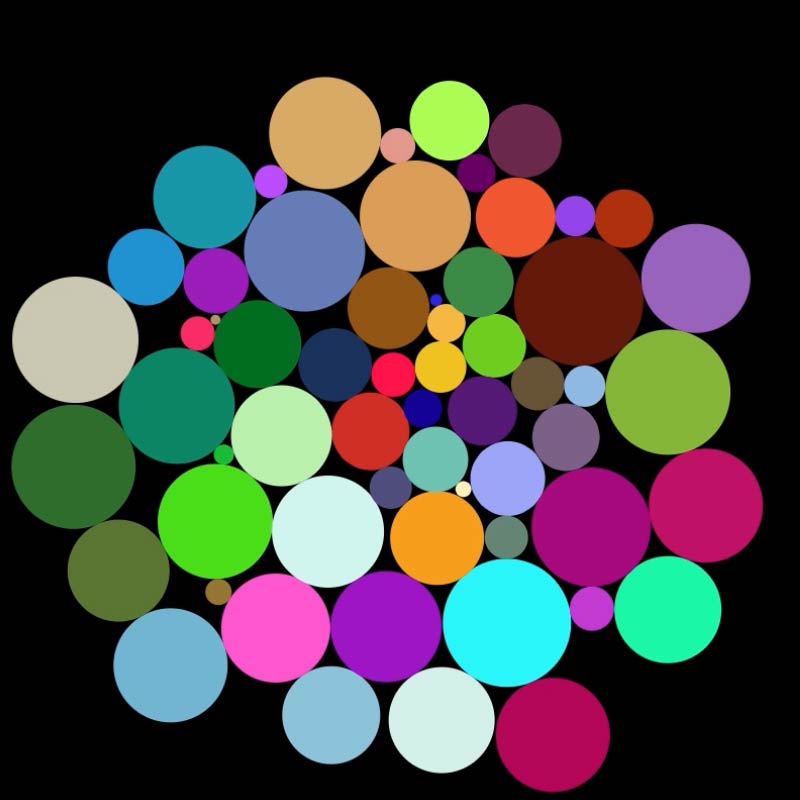
Circle Packing_2

cpack.jpg

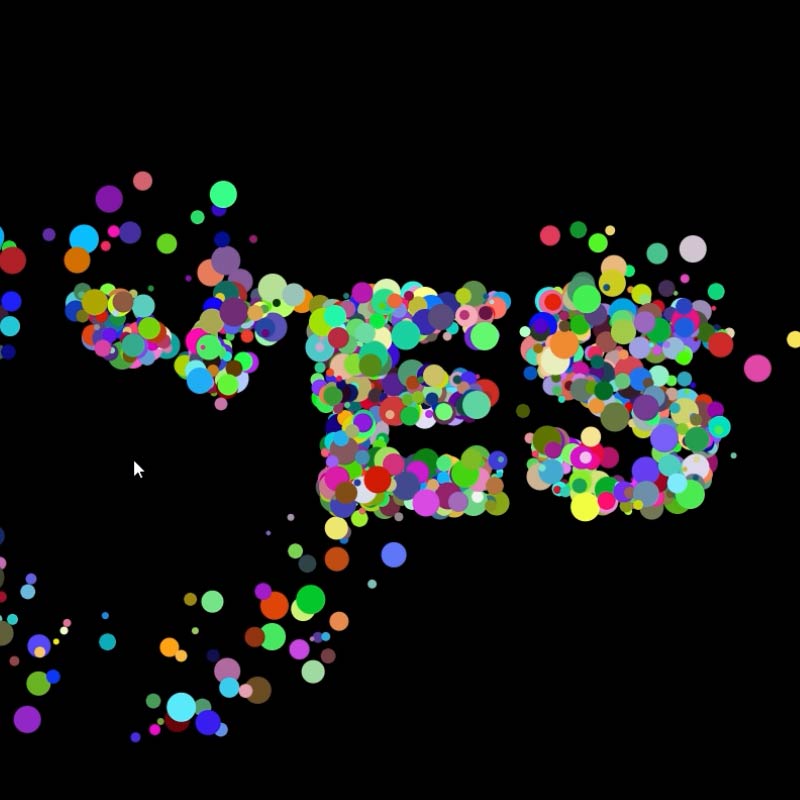
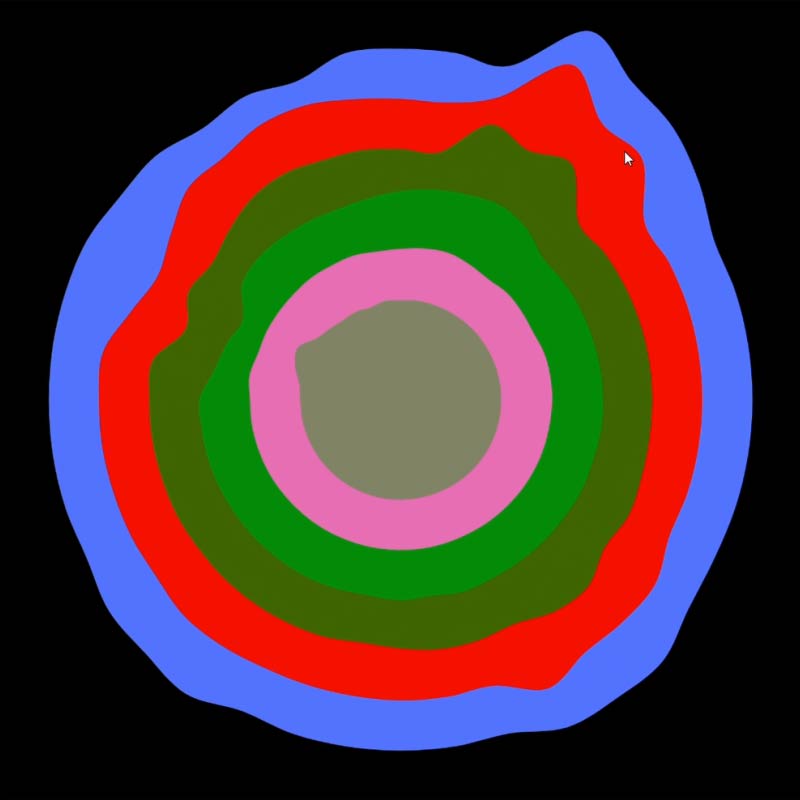
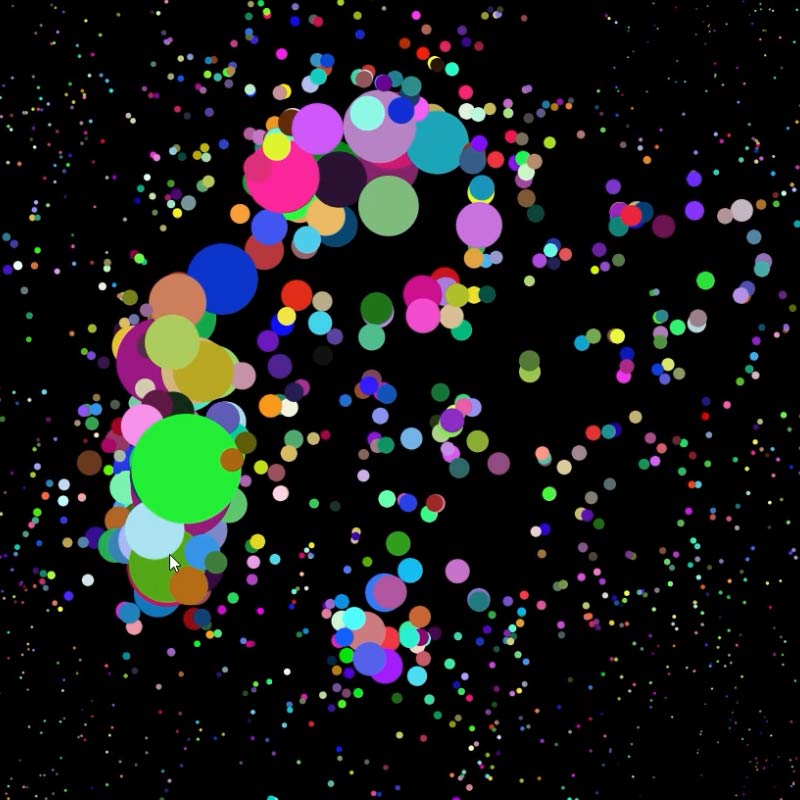
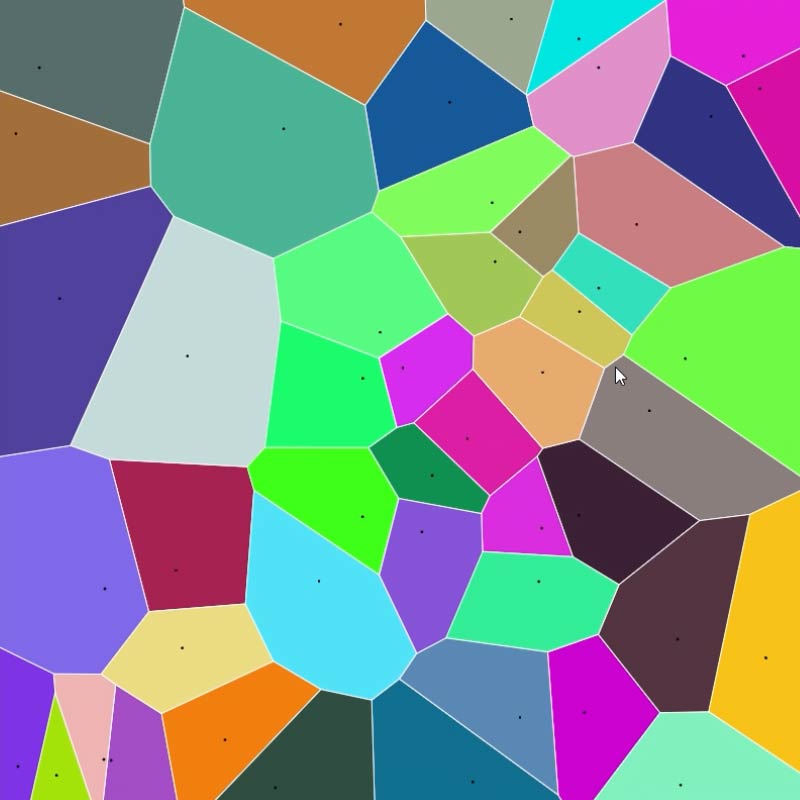
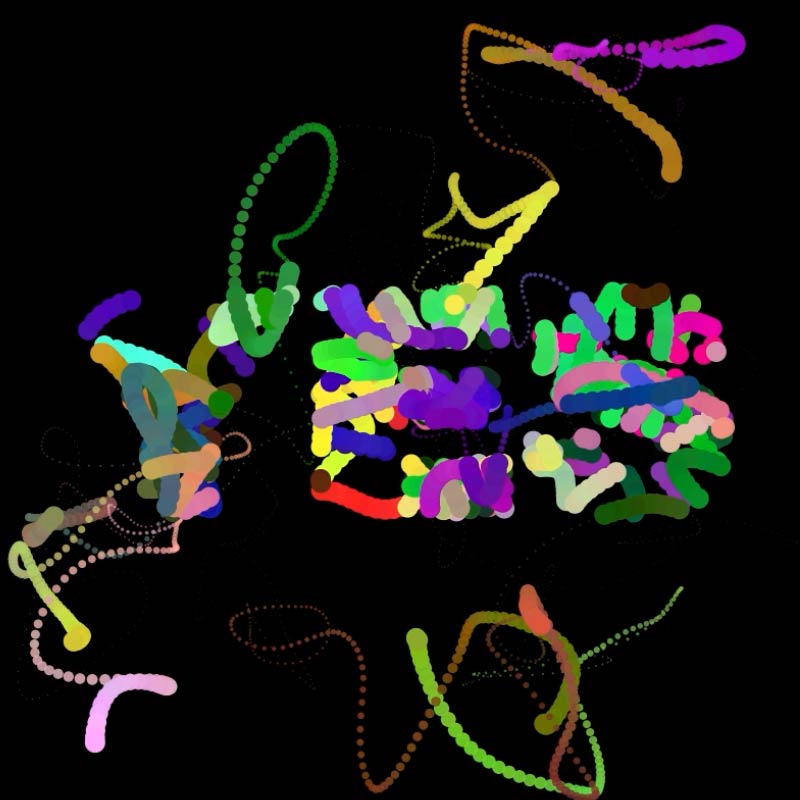
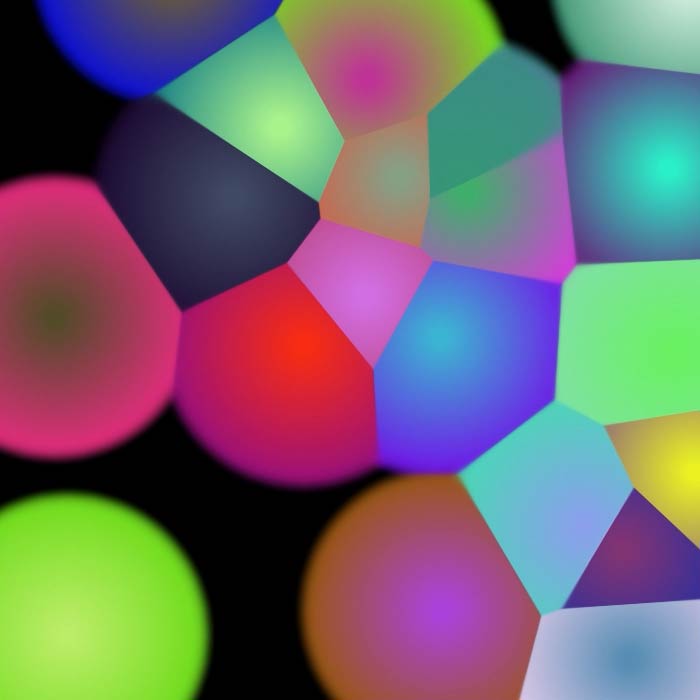
I finally got around to getting this to work in flash. Its based on a great processing model here:Crickets Chirping. I think it could be used as a pretty interesting interface. We have a couple of ideas that we are throwing around for this. It was fun to finally sit down and sort it out. The speed difference between java and flash is pretty amazing. The processing code runs the packing algorithm 50 times per frame, I run it 5. The accuracy is fine for our needs, but the difference is crazy.

Source:  circlepack.fla

Check out the *.swf

3 comments

GAUD++09

gaud.jpg

We are a couple weeks into the course for the GAUD exhibition at Pratt. We have a good group and wil have the blog up soon with images from the “struggle.”

No comments

Visualizing[DATA]

prox.jpg

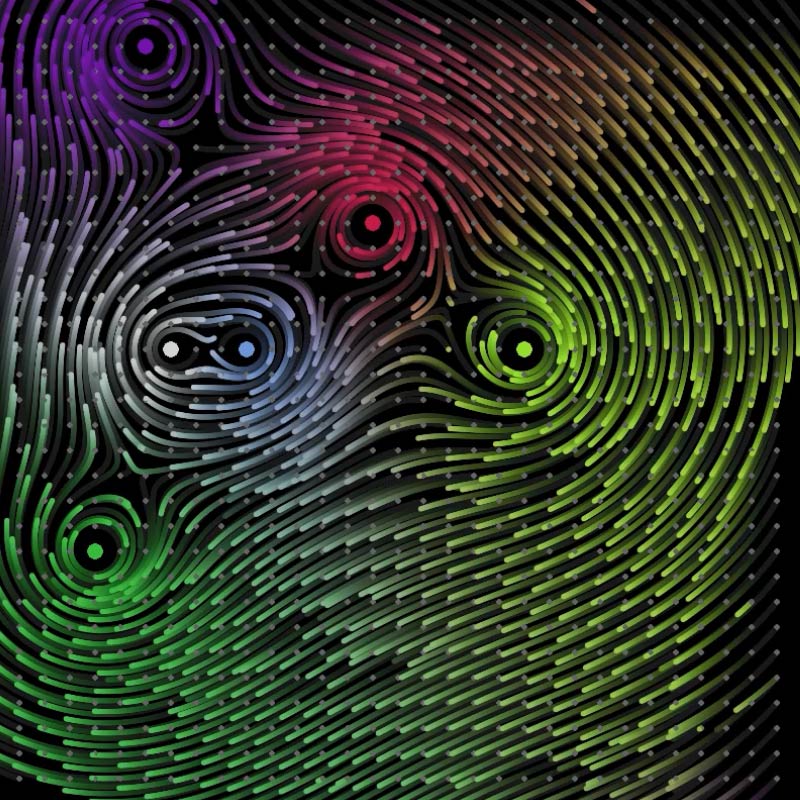
I will be teaching  visualizing[DATA] at pratt again this semester with Takuma. We will be posting the tutorials and other things we find on the class blog.

No comments

Screen

Something I have been messing around with for a while in the computer, but a couple of weeks ago I was able to mock it up. The idea is a screen wall that would have a flexible “louver.” The basic unit is a clip. As the clip rotates the louver rotates with it. The video above shows the clip and how the louver would be controlled by multiple clips.

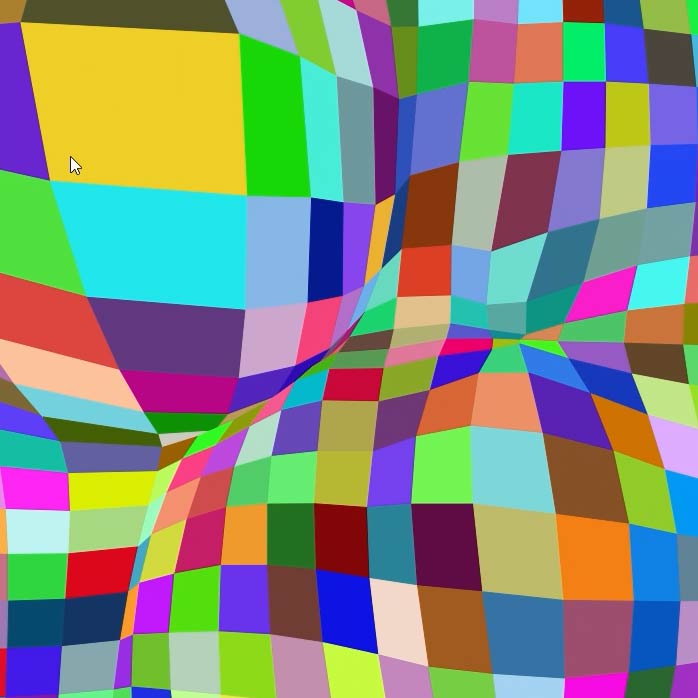
The openness/rotation of the louvers is controlled topographically by a surface. You can see how this works in the video above. The louvers could be controlled by the displacement of an image or by simply deforming the surface.

screen0.jpg

screen4.jpg

The model includes all of the tooling needed to produce the ribs+clips with a laser cutter.  In that sense the unit in Maya is not just representational, but contains all of the lines and tolerances need for production. We are proposing this for an office renovation that we are currently working on in the studio. The tooling will of course change and the structure will become a composite of CNC cut ribs/columns and laser cut clips. We hope it happens, it will be exciting to produce a completely tooled/labeled model. It would be great to not have to make any drawings. You can check out the model that was used for laser cutting below.

Source: screen.mb

More Images

No comments

Trees

tree.jpg

nodes2.jpg

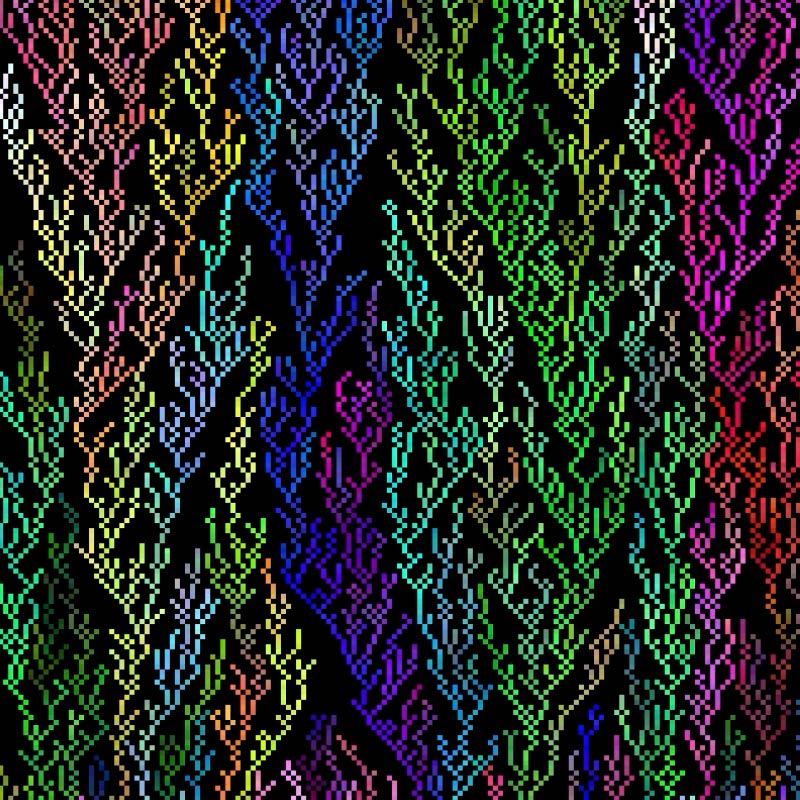
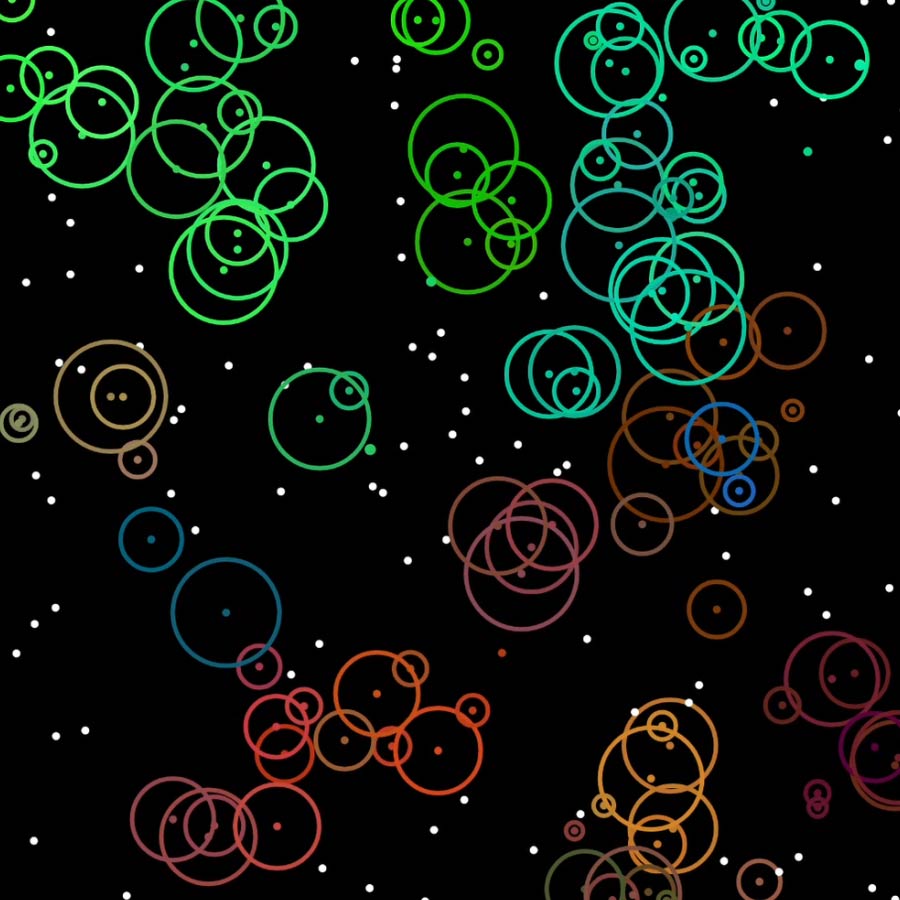
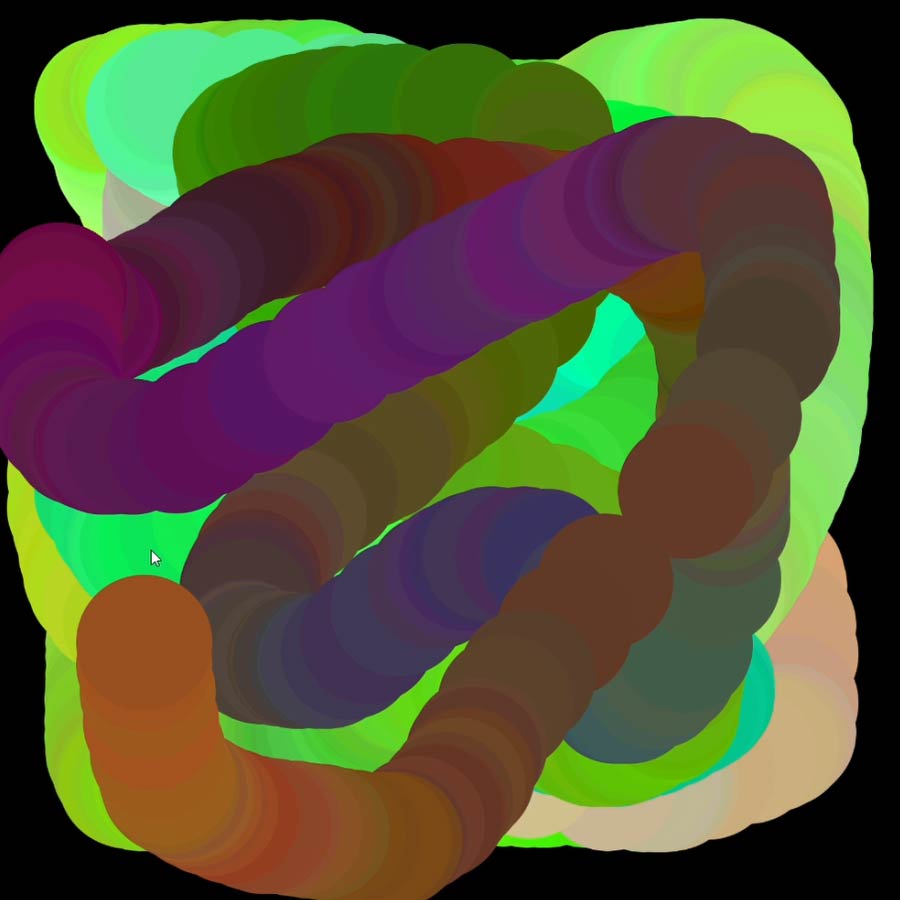
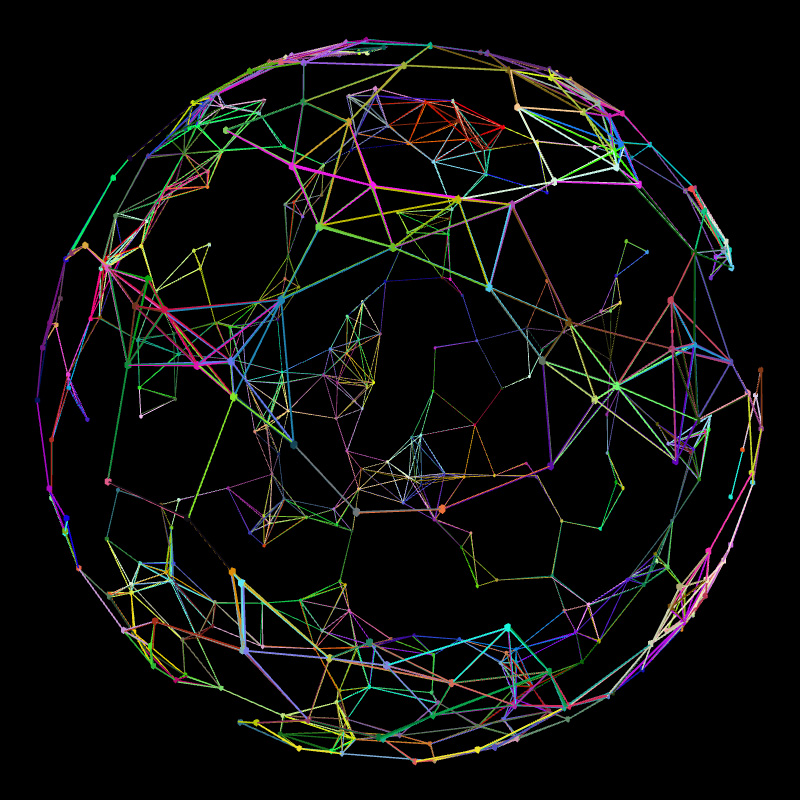
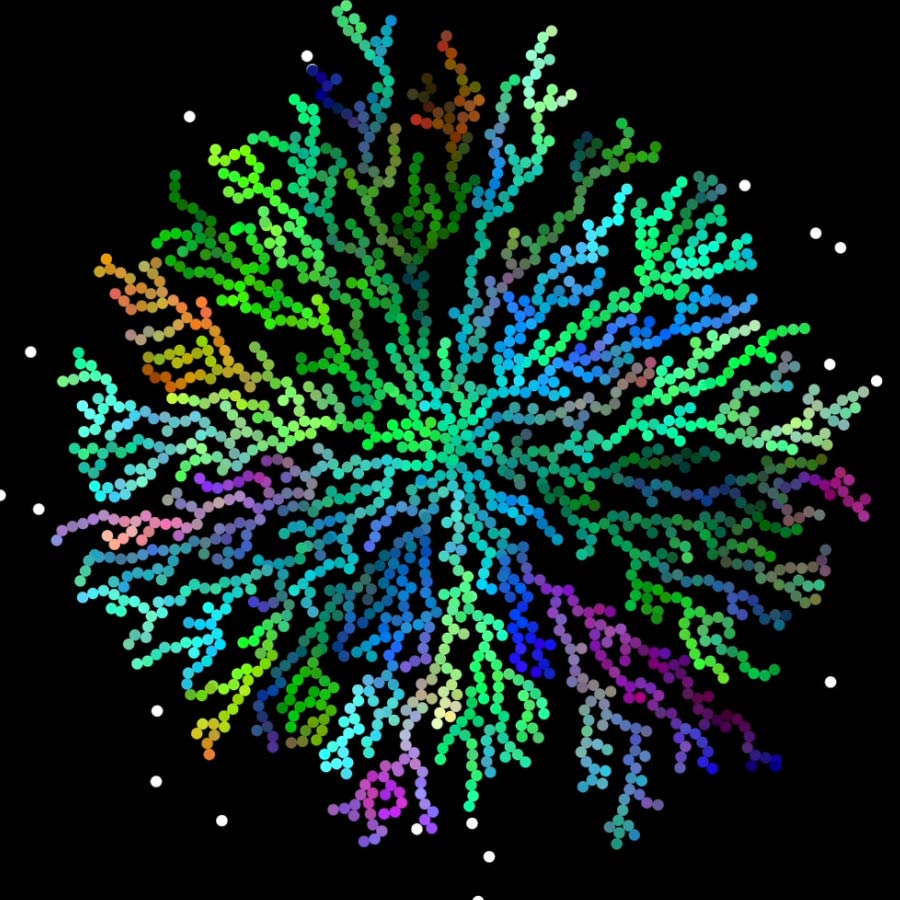
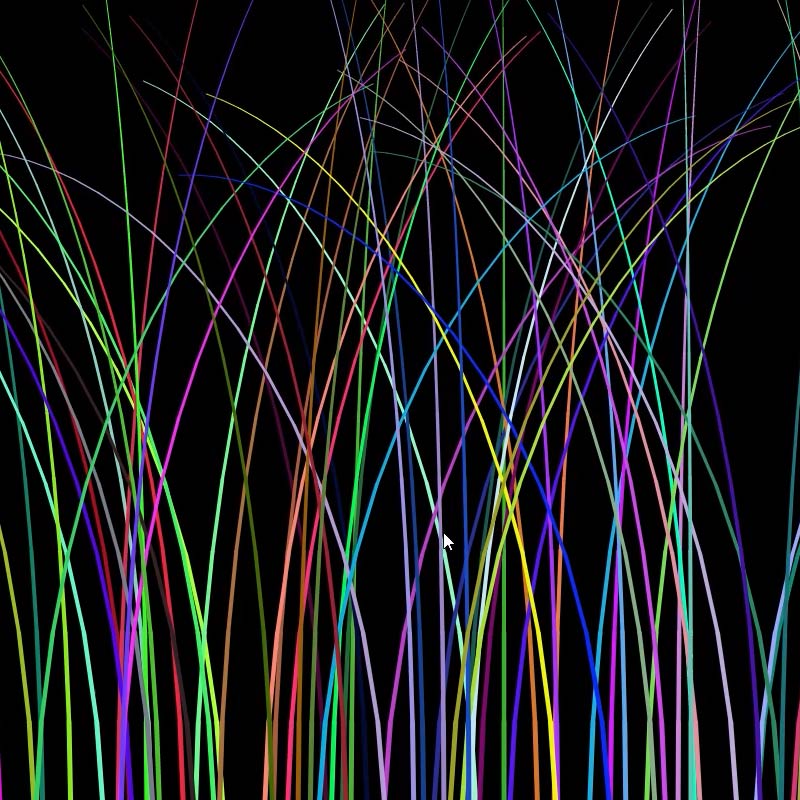
Here is something I am working on in flash to create a graphic. It uses a simple recursive branching structure to create random clusters of lines.

branch.jpg

Unfortunately still can’t export actionscript generated images as vectors. We needed the image in vectors so I wrote the script in MEL. I think I will use this as chance to jump start processing here (I know you can export vector frames).  Also think it would be interesting for everyone to compare the three methods for creating the same thing.

Download Source:

Flash: branch.fla

MEL: branch.mel + stem.mb

No comments

Cellular Automatic

I have been messing around off and on trying to create a 3d cellular automata  model in Maya using expressions. It is fairly difficult to create an agent based or object-oriented system using expressions because once you drive an attribute from within an expression it cannot receive any other inputs (unless I am missing something or there is a utility node that allows this). So it was a little harder than doing something like this in Flash. The only delta from the outside is time, which is controlled by the timeline. I also had a problem with the names of the cells and the child check. The end result only gives birth to a cell in every other space. This creates a sort of 3d checkerboard effect. I tried to sort this out, but gave up for now. I don’t think it looks, bad its just that you have all of the useless cells. You can download the cell file below and an updated duplicate script that allows you to create a 3d grid of the cell. Make sure you set all of the cells Timer  attribute to -4 and then go to frame 1 on the timeslider. Choose a cell and set Timer to 0 (this will be the original) and playback the animation. It works best with over 6 cells in each direction, but it can get heavy with over 20.

Download source: cell.mb + duplicate3d.mel

No comments

EFGH

efgh_12.jpg

efgh_comp1.jpg

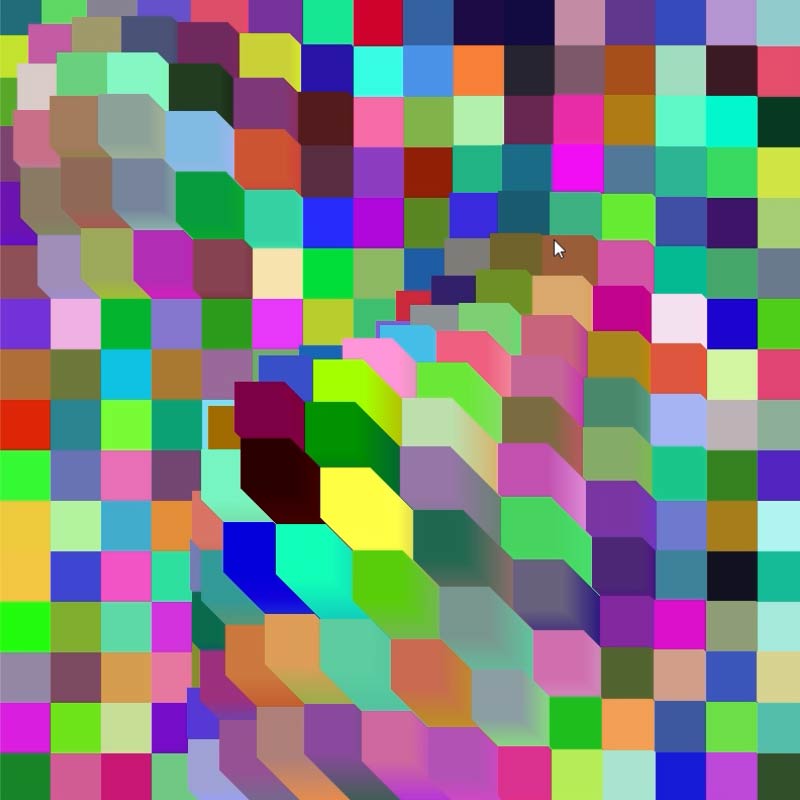
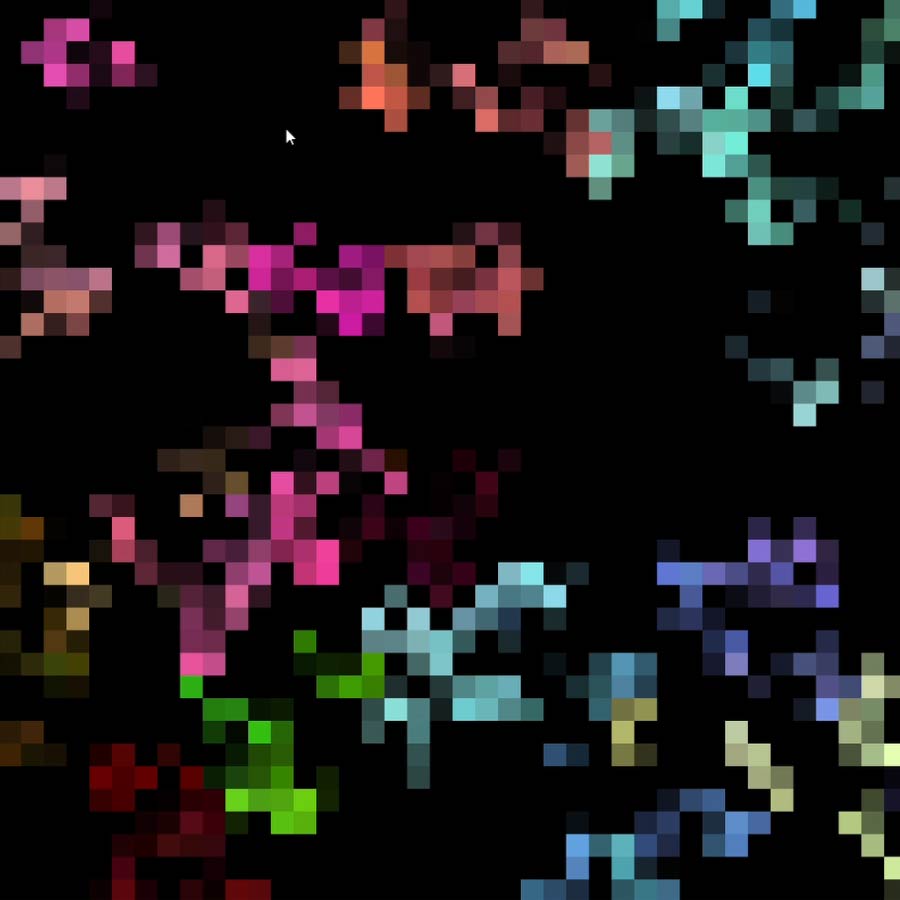
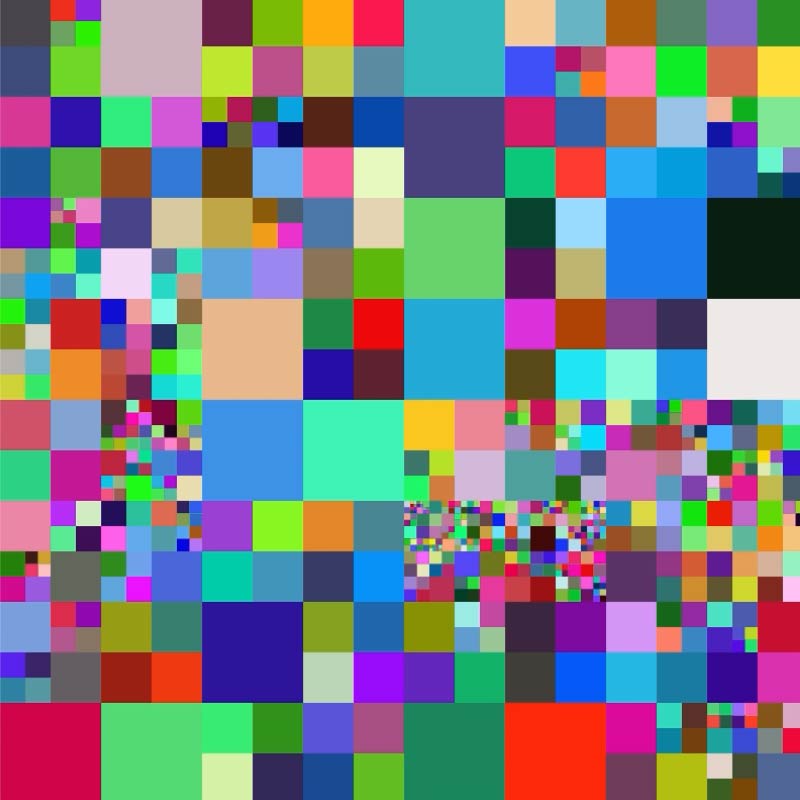
We helped out our friends, EFGH, with their website. The site has a background of “pixels” that cycles through randomly generated colors. Also, if you are in NYC, you should grab a gourmet  sausage at one of their recently completed project, Dogmatic on 17th street between Union Sq. and 5th Ave.

Check out the source below for a simple version of the background.

Download source: color_ch.fla

Check out the *.swf

No comments

Death RAY 3000

laser.jpg

This arrived at the studio a couple of weeks ago… still trying to figure out what it does. We’ve been cooking hot dogs with it, but we have a feeling it can be used for some pretty tricky stuff. Hopefully, once we figure out where it came from and how to aim it, the posts around here will get a little more physical!

2 comments

T-Magazine

The T-magazine invited the studio, along with a lot of other studios/artists, to create intro animations for their new online presence. My partner, Jose, created one of our animations using Maya Cloth. It will is featured this month for the launch of their Fall issue. Check out the animation here: T-Magazine

No comments

Multi-extrude

scen_05.jpg

The frame above is from a video we are producing in the studio. We had a problem with extruding a profile along Hair curves. We wanted the geometry to be pointed so we extruded a profile with the scale parameter set to 0. It seems to also scale the transform nodes to 0… so everything gets a little wacky when things are animated . This script creates a duplicate of the selected profile and then places it at the base of the curve for extrusion. Its a little more robust than a loop that extrudes a profile along a curve and it allows you to input the scale at the end of the extrusion, but it does create a profile for every curve so it is a good idea to group your original profile so they are easy to select in the final hour after 4 coffees when you decide they need to be 98.6% smaller.

Source: extrudeScale.mel

No comments

« Previous Entries